

DSH Skin
☆ 3DSH skin plugin: Alphacoders popular wallpapers as the DeepSeek Harness Web GUI background — gallery, search, local image upload, light/dark mask
Get this plugin
Review the source, then continue to the publisher.
dsh plugin --profile web add dsh-skin-alphacodersAbout this plugin
Source snapshot 8/18/2026dsh-skin-alphacoders
English | 中文



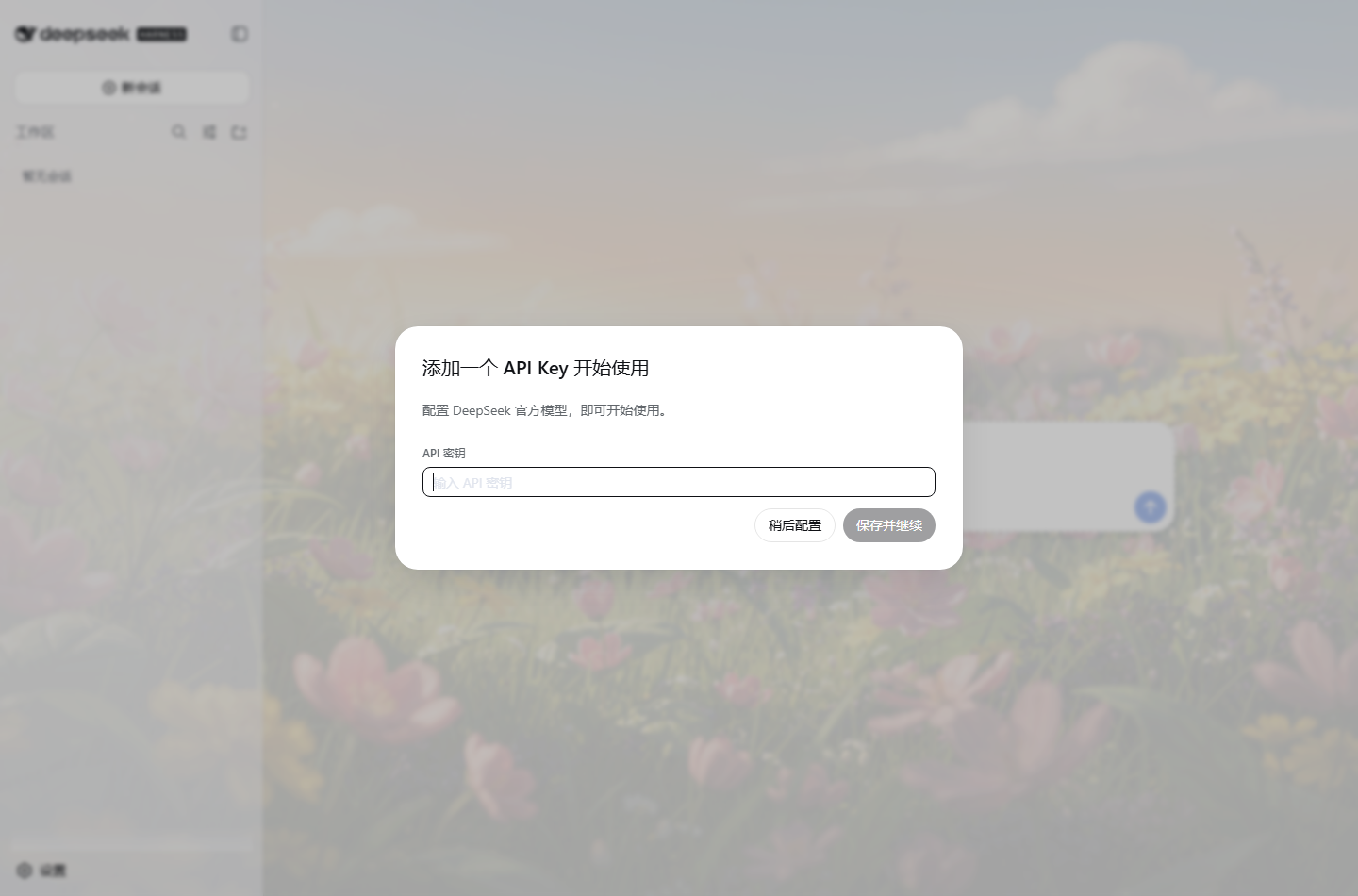
A DSH skin plugin that turns Alphacoders popular wallpapers into the DeepSeek Harness Web GUI background. A dual-half (Host + Client) Cordis plugin following the DSH package conventions.
Features
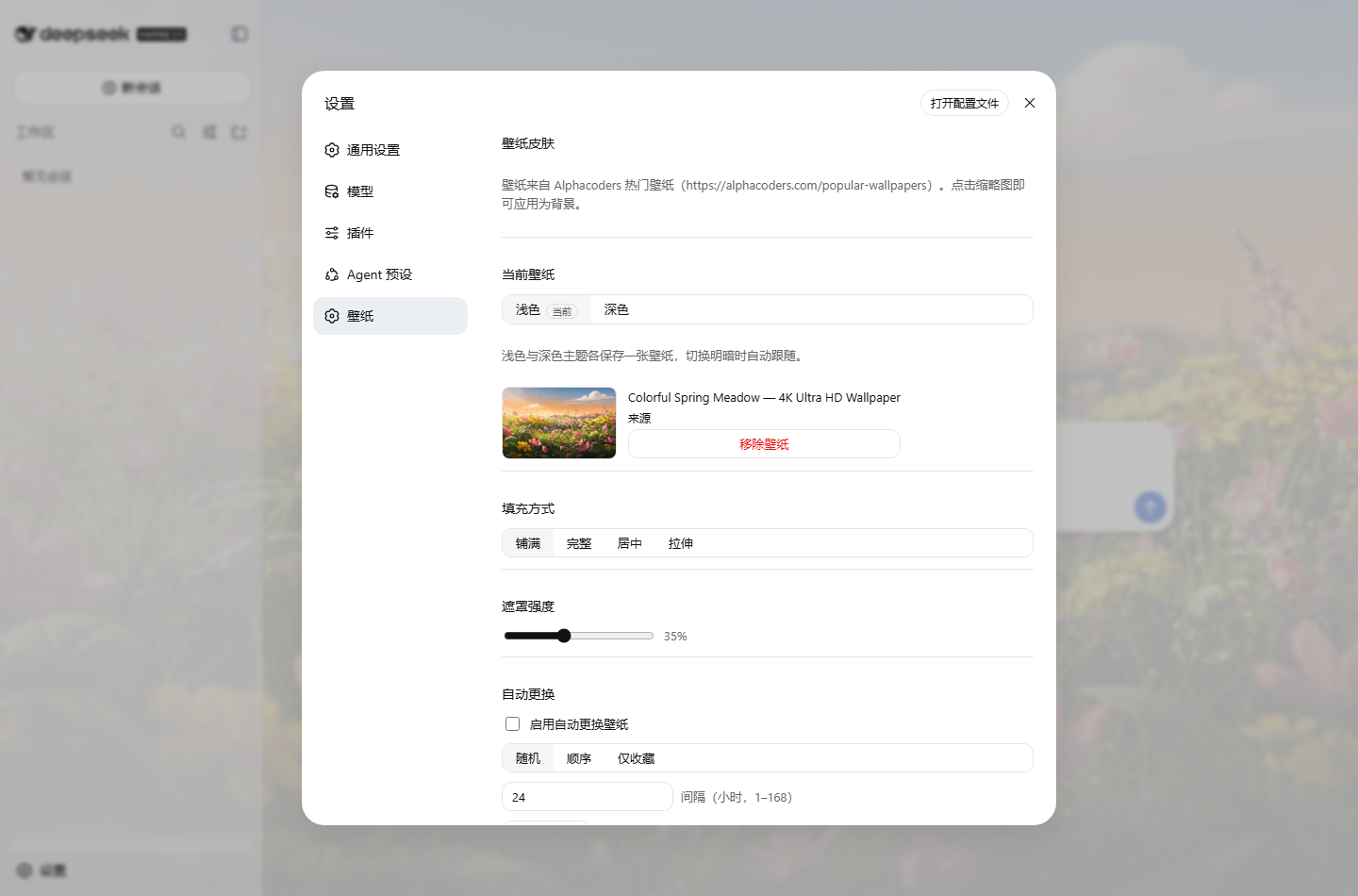
- Gallery: a "Wallpaper" settings section browsing the popular wallpapers (15 per page, pagination, lazy loading).
- Search: keyword search via the Alphacoders search page (single page, up to 30 results); clearing the search restores the popular list.
- Local images: "Upload local image" accepts PNG/JPEG/WebP/GIF files; bytes are stored under
$DSH_HOME/storages/skin-alphacoders/and survive restarts; switching or removing the wallpaper deletes the orphaned file (at most one local wallpaper is kept on disk). - One-click apply: click a thumbnail to apply it as the background; the main surfaces (conversation, sidebar) turn translucent through theme token overrides so the wallpaper shows through — while the settings panel and floating surfaces (
--dsw-alias-bg-layer-2) stay fully opaque, keeping their text crisp. - Display controls: four fill modes (cover/contain/center/stretch) and a 0–90% mask strength for readability.
- Light/dark linkage: follows the DSH theme (
light/dark/system) — white fog on light, black dim on dark. - Persistence: preferences persist through the Host settings namespace
ui-skininto$DSH_HOME/settings.yamland restore on restart. - Performance: the background prefers the 1920px variant (
thumb-1920-<id>) instead of downloading 5K/8K originals; gallery pages and searches have an in-memory TTL cache. - Clean unload: removing the plugin row removes its route and styles; the GUI returns to the default look.
Install
Option 1: from npm (recommended)
# Installs the built package into the web profile
dsh plugin --profile web add dsh-skin-alphacoders
Option 2: build from source
# 1. Build this package (produces lib/)
pnpm install && pnpm build   # or npm install && npm run build

# 2. Install into the web profile
dsh plugin --profile web add "file:<absolute path to this package>"
Either way, register the plugin row in $DSH_HOME/profiles/web/cordis.patch.yml:
# $DSH_HOME/profiles/web/cordis.patch.yml
- insert:
    - id: skin-alphacoders
      name: 'dsh-skin-alphacoders'
      config:
        cacheTtlMs: 3600000      # optional: list cache TTL (ms)
        requestTimeoutMs: 20000  # optional: fetch timeout (ms)
Restart dsh web; the section lives under Settings → Wallpaper.
Dev tip: pnpm's
file:dependency hardlinks a copy, so during iteration replacenode_modules/dsh-skin-alphacoderswith a directory junction to the source folder (or re-rundsh plugin addafter each rebuild).
Architecture
┌─ Host half (node) ───────────────────────────────────────────┐
│  fetch + parse alphacoders popular-wallpapers?page=N         │
│  (server-rendered schema.org ImageObject, 15/page)           │
│  in-memory TTL cache (1h default)                            │
│  ctx.settings.register('ui-skin', SkinSettingsSchema)        │
│  HTTP routes (via ctx.webServer):                            │
│    GET  /skin-alphacoders/wallpapers?page=N                  │
│    GET  /skin-alphacoders/settings                           │
│    POST /skin-alphacoders/settings   (field-allowlist patch) │
│    GET  /skin-alphacoders/health                             │
└──────────────────────────────────────────────────────────────┘
        same-origin fetch (no CORS surface)
┌─ Client half (browser) ──────────────────────────────────────┐
│  skin-store: local snapshot of the settings route + subscribe│
│  background: body::before wallpaper layer + ::after mask     │
│              + ctx.theme.overrideTokens surface translucency │
│              (signature-deduped against theme/change storms) │
│  settings.section "Wallpaper": gallery grid + controls       │
└──────────────────────────────────────────────────────────────┘
Why not the settingsScope transport
The api-proxy settings wire is a Host allowlist (locale, ui-theme, …); a namespace registered by a plugin outside the repository answers settings-not-exposed. The Host half therefore persists through the owner seam (SettingsScope.update, no allowlist) and the browser half reads/writes through the plugin's own HTTP route — the durable document is still the ui-skin section of $DSH_HOME/settings.yaml.
Configuration
| Field | Default | Meaning |
|---|---|---|
cacheTtlMs | 3600000 | Gallery page cache lifetime in memory (ms) |
requestTimeoutMs | 20000 | Timeout for fetching alphacoders.com (ms) |
Copyright & compliance
- Wallpaper copyright belongs to their authors and Alphacoders; personal use only, no bulk downloading or redistribution.
- Requires network access to
alphacoders.comand the image CDN (images*.alphacoders.com).
Verification
e2e/verify.mjs is a Puppeteer (system Chrome) end-to-end check. Install the plugin and start dsh --profile web --port 3090, then:
node e2e/verify.mjs
Covers: gallery render, wallpaper apply, light/dark linkage, persistence across reload, remove-restore, no page errors.
Related DeepSeek Harness Plugins
Browse UI & Design →
Agent skill for beautiful, verifiable architecture, workflow, sequence, data-flow, and lifecycle diagrams—self-contained HTML with motion and crisp export.

The first vision plugin for DeepSeek Harness, and the vision bridge for every text-only coding agent. Paste an image, get structured JSON evidence (OCR, layout, semantics). | 全网最强 DeepSeek Harness 外挂视觉插件,为 DeepSeek、GLM 等纯文本模型外挂视觉能力,粘贴图片即得结构化 JSON 证据(OCR、版面、语义)。

Eyes for text-only DeepSeek Harness agents: built-in free vision chain (no key) + pixel-level vision tools (Q&A, grounding, crop, pixel diff, colors, OCR, SVG trace, cutout, screenshots). One-command install, no Python, image turns work like ordinary tool-calling turns.

DeepSeek Harness 可编辑设计系统:AI 生成、可视化编辑、模板市场与 PPT|Native Design & PPT Studio for DeepSeek Harness.