

DSH Codex Pet
☆ 5dsh-codex-pet · DSH 桌面宠物插件 — 导入精灵图序列帧宠物,悬浮浮层渲染 + Agent 状态联动
Get this plugin
Review the source, then continue to the publisher.
dsh plugin --profile web add dsh-codex-petAbout this plugin
Source snapshot 8/18/2026English · 简体中文
dsh-codex-pet
DeepSeek Harness(DSH)桌面宠物插件:导入/上传 codex 风格的精灵图序列帧宠物,在 DSH Web GUI 以 shell.overlay 悬浮浮层渲染,含图库管理、基础交互与 Agent 状态联动。
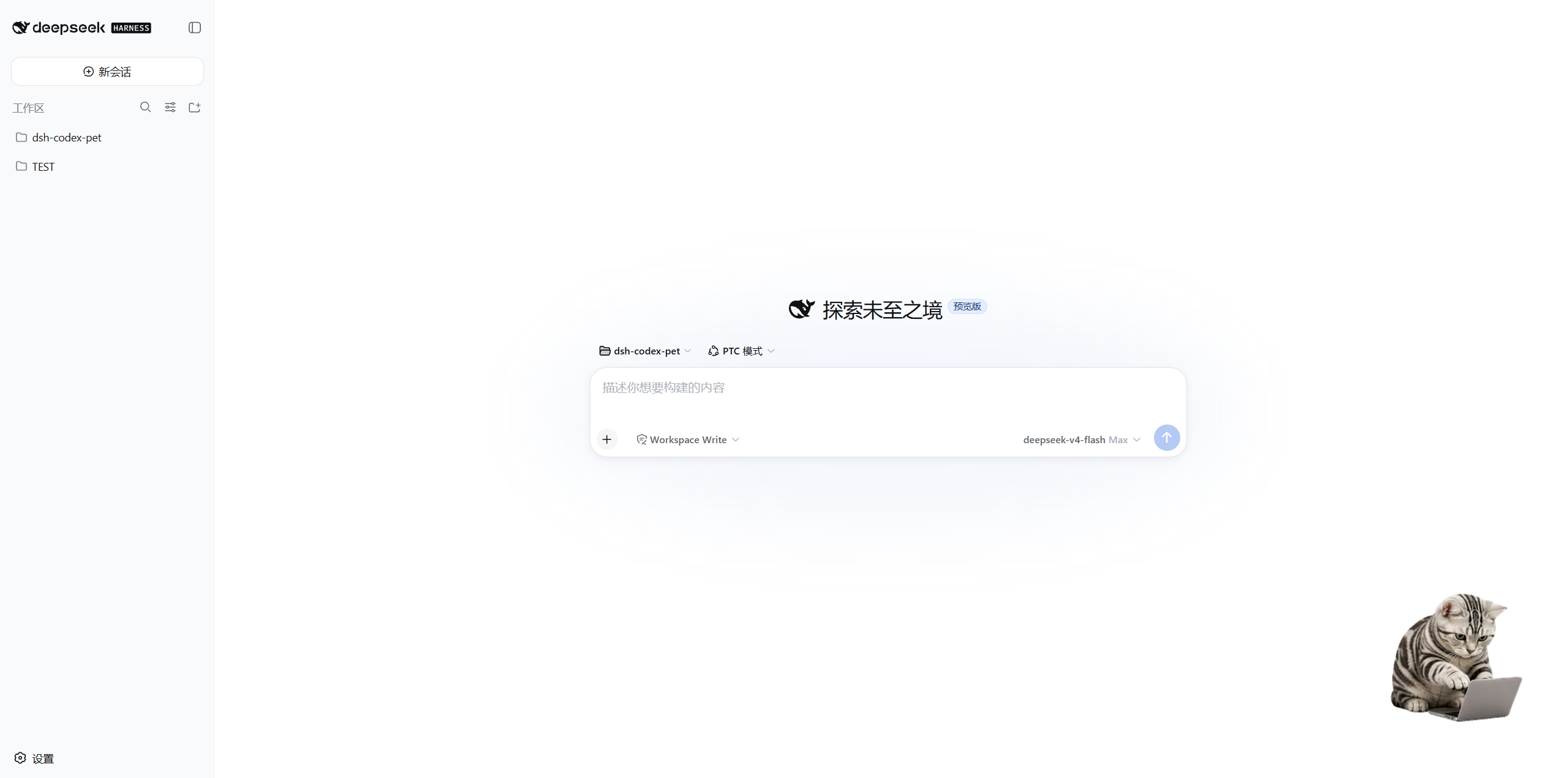
📸 预览
✨ 核心特性
- 序列帧播放:单 WebP 精灵图(格式 A),逐帧毫秒时长,行=动画(idle / running / waiting / review / failed / 移动 / 挥手 / 跳跃)。
- 悬浮浮层交互:右下角常驻,可拖拽(视口钳制 + 位置持久化)、点击挥手、空闲随机小动作。
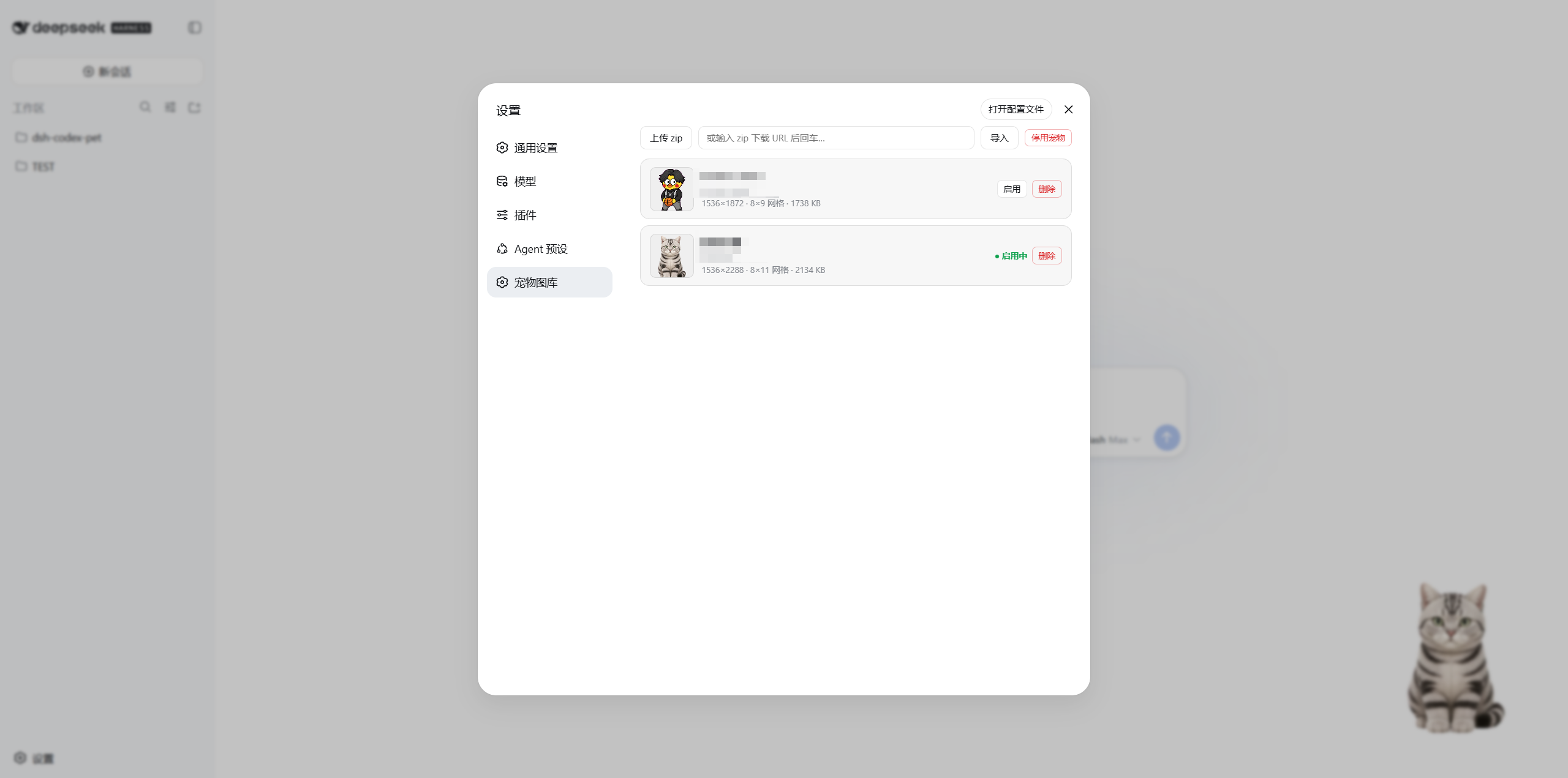
- 图库管理:设置 → 宠物图库——zip 上传 / URL 导入 / 启用 / 停用 / 删除 / 首帧预览。
- Agent 状态联动:订阅 DSH 会话状态——工作中→跑动(常驻);审批/提问→等待(脉冲一次);任务完成→得意(脉冲一次);任务失败→沮丧(脉冲一次)。
- 深/浅主题:全部样式走
--dsw-*主题令牌,自动适配 DSH 主题。
🎮 操作指南
- 打开 DSH Web GUI(默认 http://127.0.0.1:3080)。
- 设置 → 宠物图库 → 上传/导入宠物 zip(或从 URL 导入)→ 点「启用」。
- 右下角出现宠物浮层:
- 拖拽:按住移动,松手后位置自动保存。
- 点击:宠物挥手。
- Agent 联动:Agent 干活时宠物跑动;等你确认/回答时发呆一次;任务完成得意一次;失败沮丧一次。
- 想隐藏宠物:图库页点「停用宠物」。
📦 安装
方式一:pnpm(推荐)
dsh plugin add dsh-codex-pet
方式二:GitHub clone
git clone https://github.com/skr311/dsh-codex-pet.git
cd dsh-codex-pet
dsh plugin --profile web add ./packages/dsh-codex-pet
安装后重启 DSH Web GUI(宿主半改动需重启;客户端 bundle 改完热更免重启),再刷新页面。
🛠️ 开发
-
项目结构:
packages/dsh-codex-pet/(宿主半lib/index.js+pet-library.js;客户端半lib/client.js;vendoredlib/vendor/fflate.mjs)。 -
测试(零依赖,纯 Node + vendored fflate):
node scripts/test-m2.js node scripts/test-m2-routes.js -
开发流程:客户端 bundle 改完 HMR 热更、免重启;宿主半改动需重启 DSH Web GUI。开发规范见
docs/development-spec.md,工作指引见AGENTS.md。 -
参与贡献:见 CONTRIBUTING.md。
📚 文档
- docs/README.md:标准文件索引;
AGENTS.md:开发工作指引;docs/execution-steps.md:里程碑状态。 - 资产格式见 docs/asset-spec.md。仓库不附带示例精灵图(版权),测试用运行时合成 WebP。
License
MIT
Related DeepSeek Harness Plugins
Browse Automation →
DSHDesktop:DeepSeek Harness Desktop / DeepSeek Harness 桌面版

Agent OS: the agent gets smarter on its own. We just hold the line: Interview-gated, staged evaluation, budgeted evolution loop. MCP server, 14 runtimes: Claude Code, Codex CLI, Gemini CLI, OpenCode, Copilot, Kiro and more.

开放的侧边栏底座,支持三方拓展注册新侧边栏页面。内置文件渲染编辑/终端/侧边对话/Git/子代理页面 | Open sidebar foundation, supports third-party extensions to register new sidebar pages. Built-in file rendering/editing, terminal, side chat, Git, and sub-agent pages.

DSH 官方公众号收录的 TUI 补位插件:鲸鱼顶栏/实时状态/流式思考/双击 Esc 回滚/上下文进度+TPS。npm 一键装。 DSH official WeChat featured TUI plugin — whale bar, live status, streaming thoughts, double-Esc rollback, context bar + TPS. npm one-click.