

DSH Nocturne Memory
☆ 0dsh memory: Nocturne Memory client for DeepSeek Harness
Get this plugin
Review the source, then continue to the publisher.
dsh plugin add dsh-nocturne-memoryAbout this plugin
Source snapshot 8/13/2026
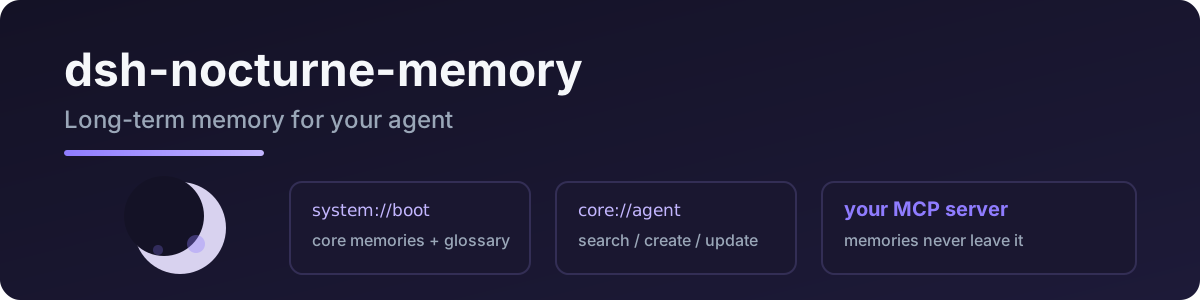
dsh-nocturne-memory
Connects DeepSeek Harness to Nocturne Memory: session-start boot protocol plus memory read / search / create / update, backed by your own Nocturne MCP server.
Port of pi-nocturne-memory — same protocol, same tool names.
English · 中文
Tools
| tool | what it does |
|---|---|
nocturne_boot | load at session start: core memories + recent context + glossary |
nocturne_read | read a memory by URI (system://…, core://agent, …) |
nocturne_search | search memories by keywords (optional domain filter) |
nocturne_create | create a memory node ([Baseline]/[Deviation]/[Result]/[Reusable judgment]) |
nocturne_update | patch (old_string/new_string) or append to a memory |
Quick start
dsh plugin add dsh-nocturne-memory
Requires your own Nocturne MCP server (see the Nocturne Memory project).
- id: memory
  name: dsh-nocturne-memory
  config:
    mcp_url: http://localhost:PORT/mcp
    mcp_auth_ref: NOCTURNE_MCP_AUTH   # env var name — recommended
    # mcp_auth: <direct value>
| key | required | meaning |
|---|---|---|
mcp_url | ✅ | your Nocturne MCP server URL |
mcp_auth_ref | * | env-var name of the MCP auth token (via ctx.credentials) |
mcp_auth | * | direct token value (fallback) |
protocol_version | – | MCP protocol version (default 2024-11-05) |
* one of the two auth keys.
Privacy
- Memories live on your own MCP server; this plugin is a thin client and stores nothing locally.
- The auth token is resolved per operation via
ctx.credentials— never logged. - Only the memory URIs/queries/content you explicitly ask about cross the wire.
Development
npm install
npm run typecheck
npm test          # SSE parsing / text extraction
npm run build
Live MCP test (reuses your pi Nocturne config):
node --import tsx tests/real/real-mcp.mjs
License
MIT
Related DeepSeek Harness Plugins
Browse Sessions →
DSH 会话健康检查插件:多帧 zstd 会话文件的帧级扫描诊断(torn/损坏/空会话检测),零依赖只读,注册 session_health 工具

为 DeepSeek Harness 带来「跨会话长期记忆 + 后台自我进化」能力的纯插件实现:五轨记忆 · git 分支感知 · 回合内自我审查 · 技能自我进化与技能管理器 · 四轨待办 · COI 调度 · 会话广播 · 会话搜索 · 提示词管理器 · 临时信息便签——零核心修改、零运行时依赖,随装随用、卸载即净。

Inject rules when needed, without wasting context. Similar to oh-my-pi's "Time-traveling stream rules", but with a very simple and compact code implementation.

DeepSeek 陪伴模式插件 —— 人设、记忆、聊得下去:SOUL 人格 + Hermes 长期记忆,可选 QQ 通道